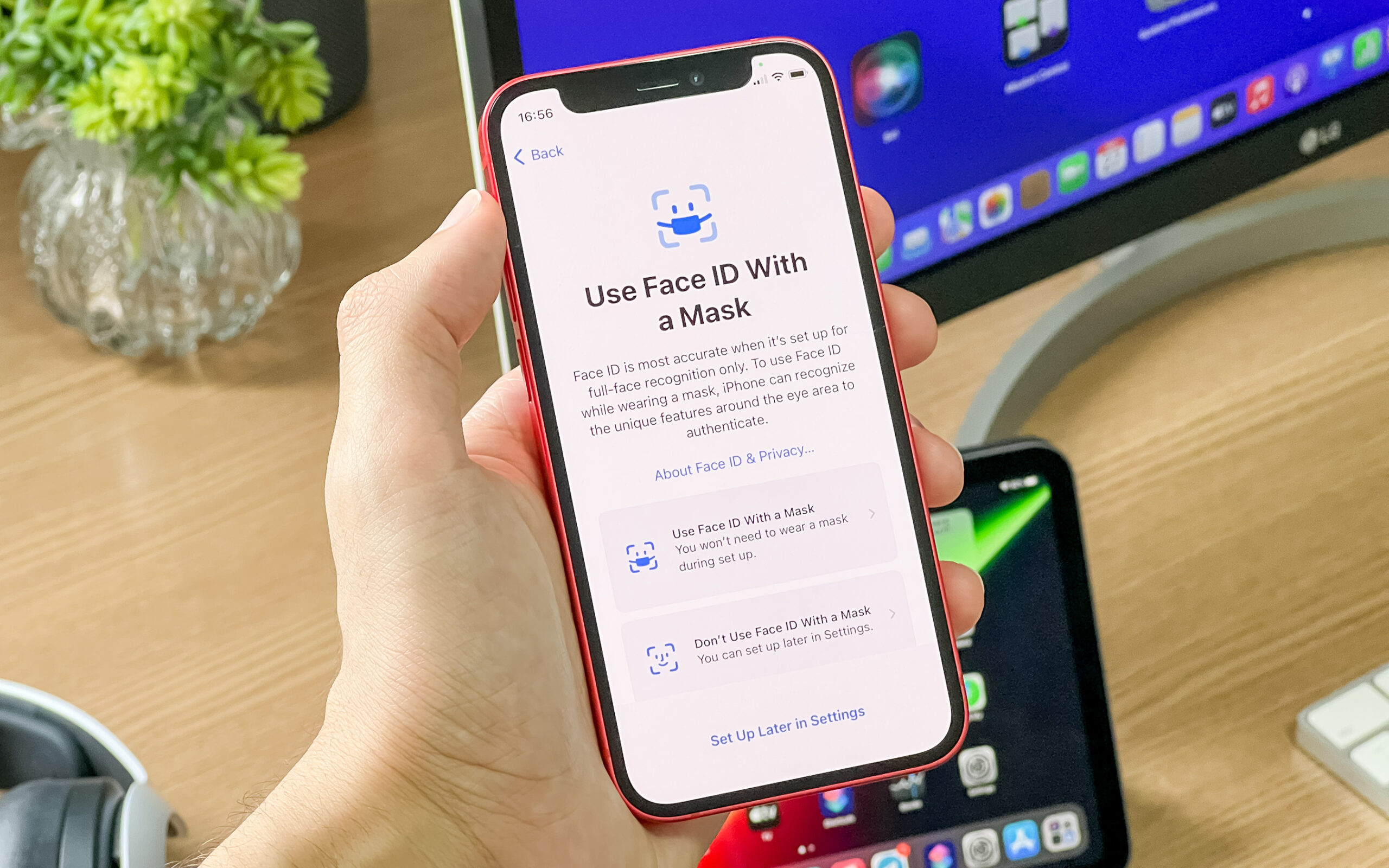
Using an Android or iOS emulator to run a mobile application on your desktop has many advantages.
For example, you can duplicate the behavior of your mobile device without any additional hardware cost. You can run games like PUBG and Pokemon Go on your computer using an emulator. It also helps application developers to find unexpected behavior during the testing phase of applications.
While there are tons of valuable Android emulators, these solutions for running iOS apps on Windows and Mac are not common. To help you, I have handpicked a list of the best iOS emulators for PC and Mac.
Most of the listings in this article are free and others allow you to use the emulator program for a certain trial period. Then let’s get started:
NOTE: The iOS emulation software mentioned in the list is primarily aimed at app developers who want to test their apps before moving to final version. Some apps can be a bit technical to set up, and regular users who want to use a simple iOS app on their computer may not find them very useful. As mentioned above, there is a real lack of easy-to-use iOS simulation software.
Top iOS Emulators for PC and Mac | 2021 Edition
- Appetize.io
- Corellium
- iOS Simulator in Xcode
- TestFlight
- Electric Mobile Studio
- Remote iOS Simulator for Windows
- iPadian
1. Appetize.io
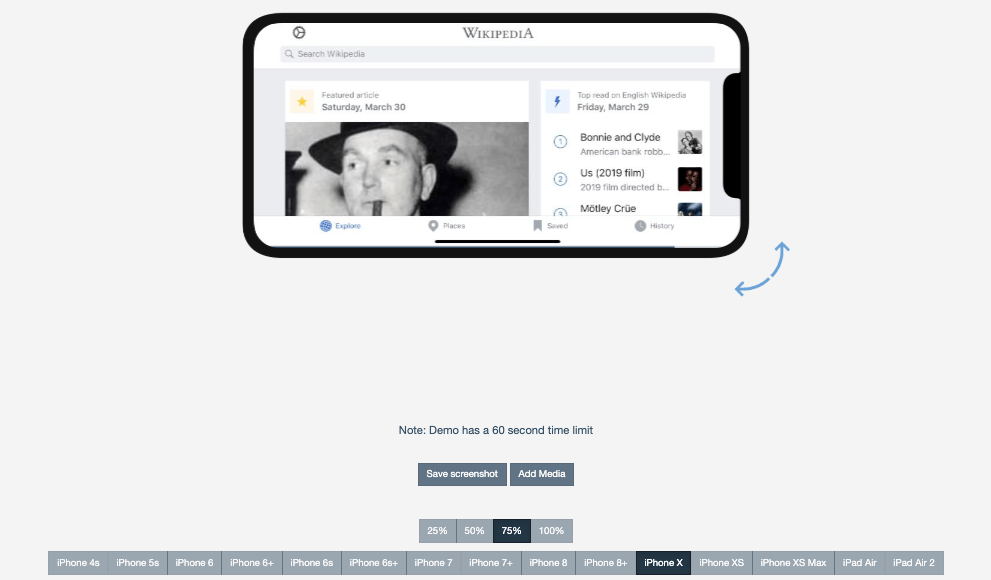
I included Appetize.io and listed it first due to the ease of use that this freemium service offers. Given the shortage of iOS emulators for PC and Mac in the first place, it’s great to find a solution that simply asks you to upload your app to its website, and voila.
Developers can use Appetize.ion to stream iOS simulators to the browser for embedding applications on websites, testing, or other phases of development.
Price wise, the free trial period of this iPhone simulator gives you 100 minutes of app streaming time. You can monitor your usage from the dashboard and set alerts when you reach your limit.
Platform: Web (browser-based)
Pricing plans: Free, Premium
2. Corellium
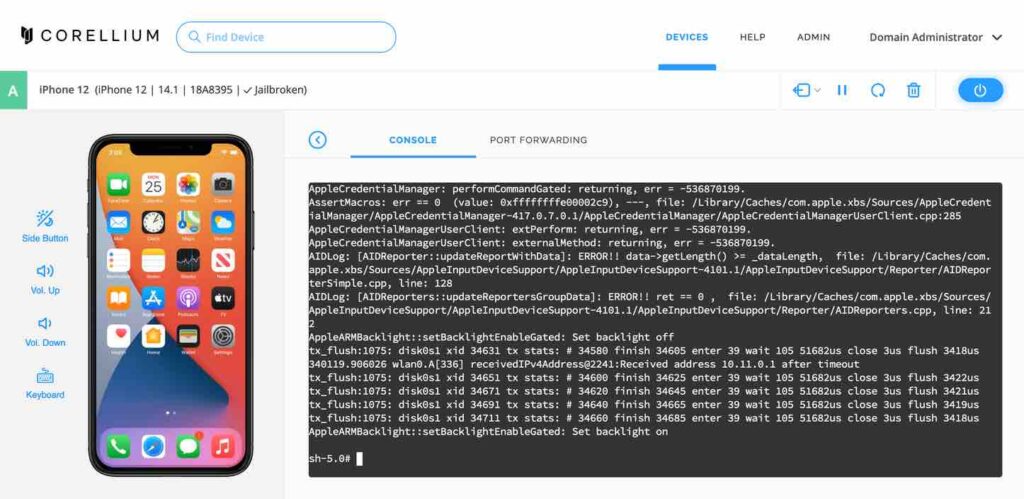
Corellium is another iOS emulator for PC, mainly used by security researchers to run a simulated iOS device within the browser. The people behind Corellium are one of the earliest members of the iPhone jailbreak scene, so you’re in good hands.
Previously, Corellium was only available to business users, but now people can also use iOS virtualization software. However, getting the tool is difficult, as Corellium doesn’t want the wrong people to use it.
Platform: Web (browser-based)
Pricing plans: $99/ month for a 2-core CPU plan; $295/ month for a 6-core CPU plan
3. iOS Simulator in Xcode
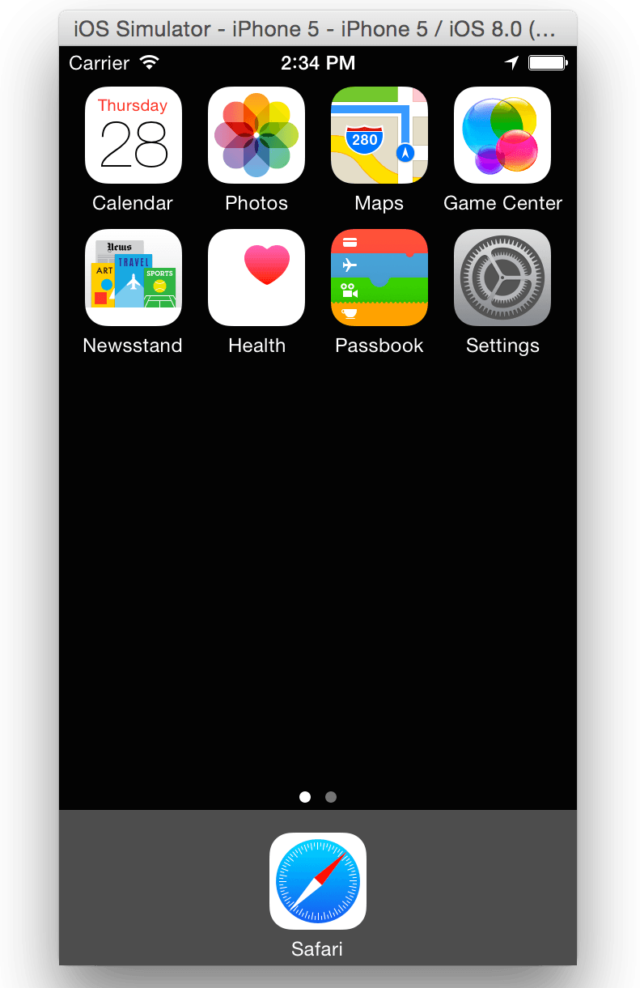
Apple’s homegrown Xcode software development environment for Mac comes with its own app simulator for iOS, tvOS, watchOS, and iMessage. So if one is using Xcode as the main application development package, then it is enough to emulate different types of interactions like tapping, device rotation, scrolling and other actions performed by the user.
Mac users can directly launch their applications from the Xcode project. What gives Safari an advantage over other free iPhone emulators is the ability to test web applications by accessing Safari within Xcode.
Platform: Mac
Pricing plans: Free
4. TestFlight
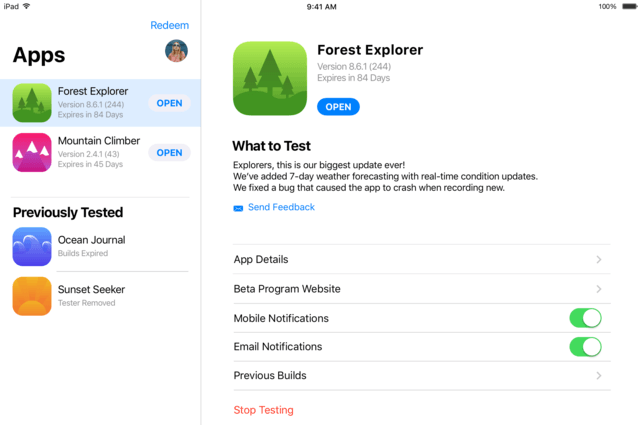
Developers often use TestFlight, which is now owned by Apple, to beta test their Xamarin. You can also think of it as the officially recommended method by Apple for testing applications.
The extensive documentation of TestFlight is one point in favor of this iOS emulator for PC. This free app is compatible with apps for iOS, watchOS, tvOS, and iMessage. It also includes an option for external beta testing of applications before final review. The downside to this emulation service is a comparatively technical setup, and you also need to create an App Store distribution profile.
Platform: Mac
Pricing plans: Free
5. Electric Mobile Studio
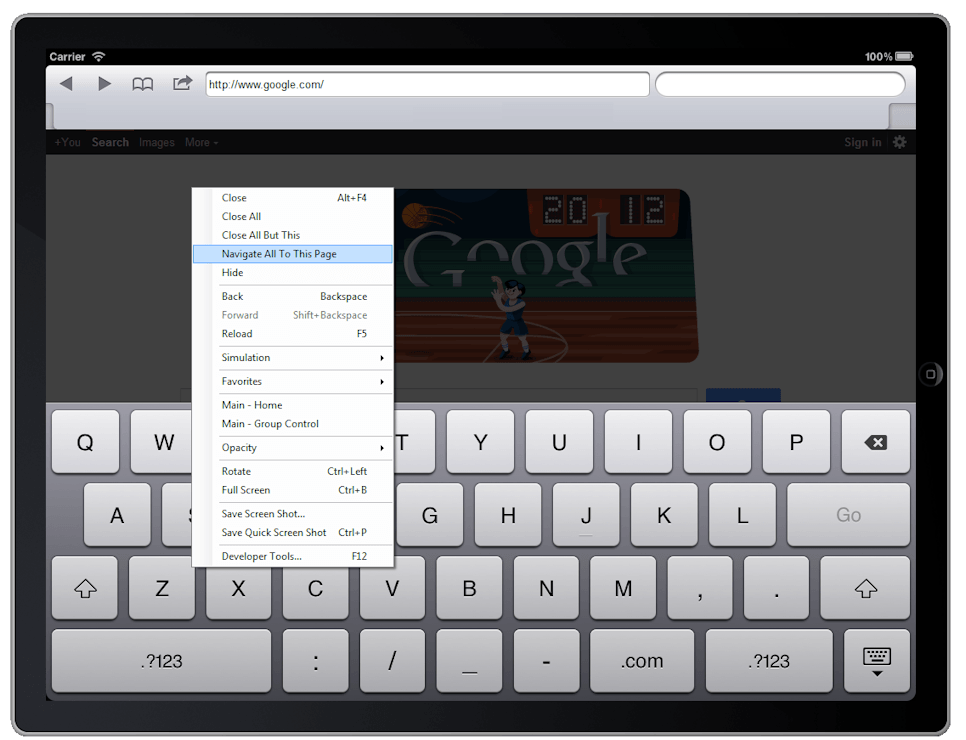
Electric Mobile Studio is a paid way to test and run iOS apps on Windows computers, but it offers a full 7-day trial of the product, making it an eligible option for this list. Its standout features include full emulation of iPhones, iPads, and responsive apps, and the ability to use the same product on two machines for common office and home work setups.
Developers also prefer this iPhone emulator for Windows 10 because of the built-in debugging tools of WebKit and Chrome that make their work easier. Hotkey navigation keys can be added to map your favorite shortcuts. Windows users can also easily integrate this tool for iOS application with Visual Studio.
Platform: Windows
Pricing plans: Trial, Paid
6. Remoted iOS Simulator for Windows
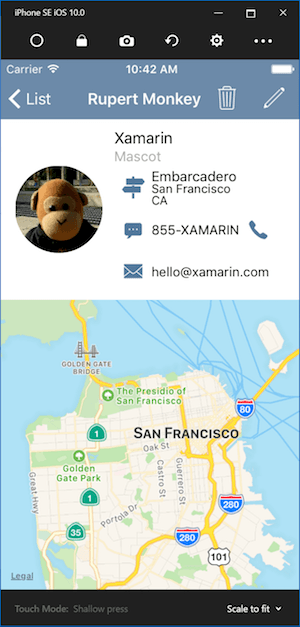
Another popular option for testing iOS apps on your Windows PC is Remoted iOS Simulator for Windows. It is a developer-centric tool that comes preloaded as part of Xamarin in Visual Studio. Microsoft has detailed documentation available on their website that users can follow and test their applications with the iOS simulator.
The tool window displays a useful toolbar at the top that has useful options like Start, Lock, Settings, and Screenshot. From Settings, you can enable Touch ID-like functionality, simulate motion and static conditions, shake gestures, rotation, and more. The tool also provides iPhone-like touch gestures and ink.
It is important to note that it is a remote iOS emulator for Windows. Simply put, it requires a Mac to run the iOS simulator, which then sends the feed to a Windows computer.
Platform: Windows
Pricing plans: Free, Paid
7. iPadian
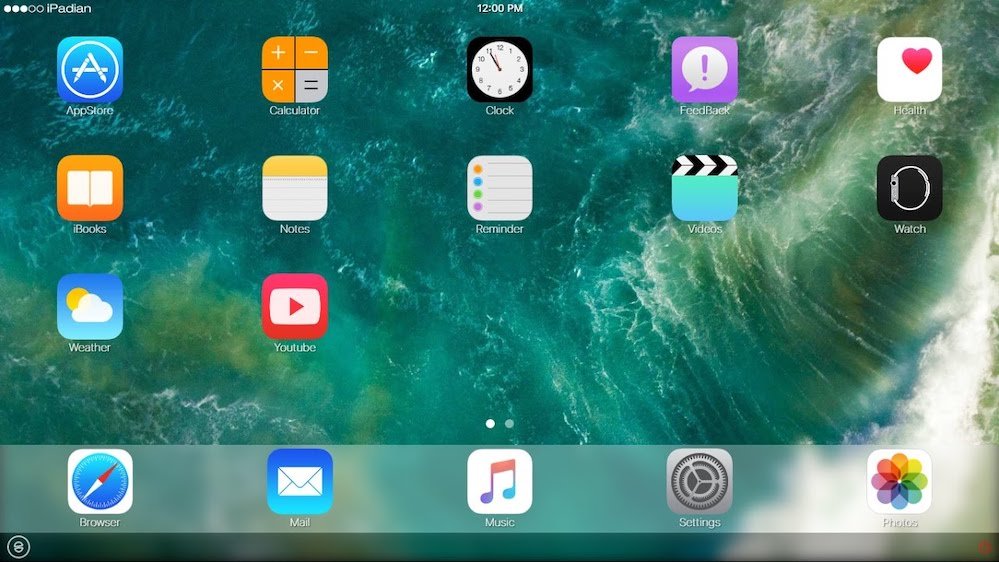
There are many tools like iPadian that are quite popular for providing an iPad or iPhone-like experience on PC and Mac.
However, those solutions do not allow you to upload your application / code and test it; Instead, they function as a custom layer on top of your operating system, and certain iOS-like apps can be installed from your app store.
If you simply want to use an iOS simulator that mimics the design and appearance of iOS hardware, you can go for the iPadian.
Platform: Windows, Mac
Pricing plans: Paid
FAQ’s IOS Emulators For PC
I hope that just like our list of Android emulators for PC, you also find this iOS-centric list useful. We also plan to prepare a list of retro game emulators like RetroArch and PCSX2 soon, so stay tuned. Keep reading SIALTV!